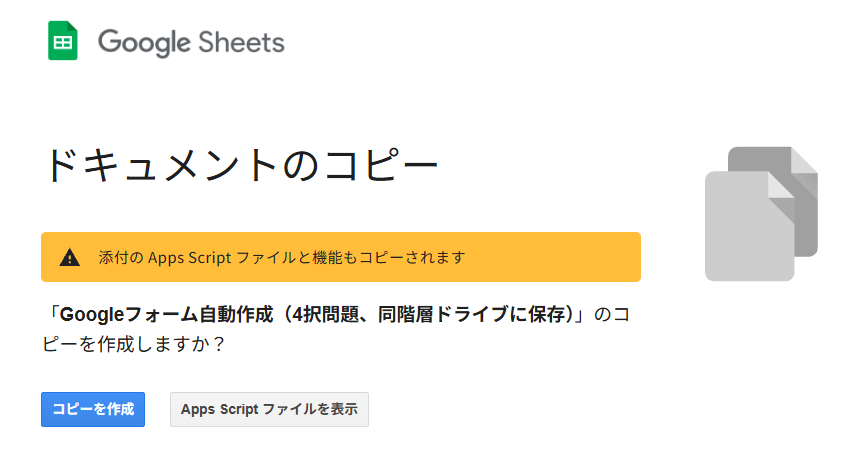
以下のリンクをクリックし、「コピーを作成」を選択してください。テンプレートがご自身のGoogle Driveに保存されます。
Click the link below and select “Make a copy.” The template will be saved to your Google Drive.
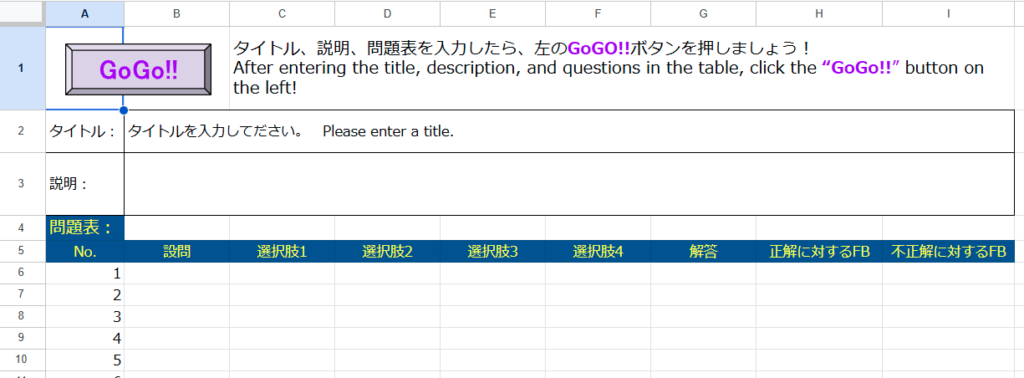
スプレッドシートにタイトル、説明、設問、選択肢、正解、フィードバックを入力し、「GoGo!!」ボタンを押すだけで、採点機能付きのGoogleフォームを自動作成できます。テンプレートは自分のGoogle Driveにコピーして利用できます。
Enter the title, description, questions, answer choices, correct answers, and feedback in the spreadsheet, then simply click the “GoGo!!” button to automatically create a self-grading Google Form. You can copy the template to your own Google Drive and use it there.